 AnimeGirl.vip
AI Anime Art vs Hand-Drawn: What Is the Difference and When to Use Each
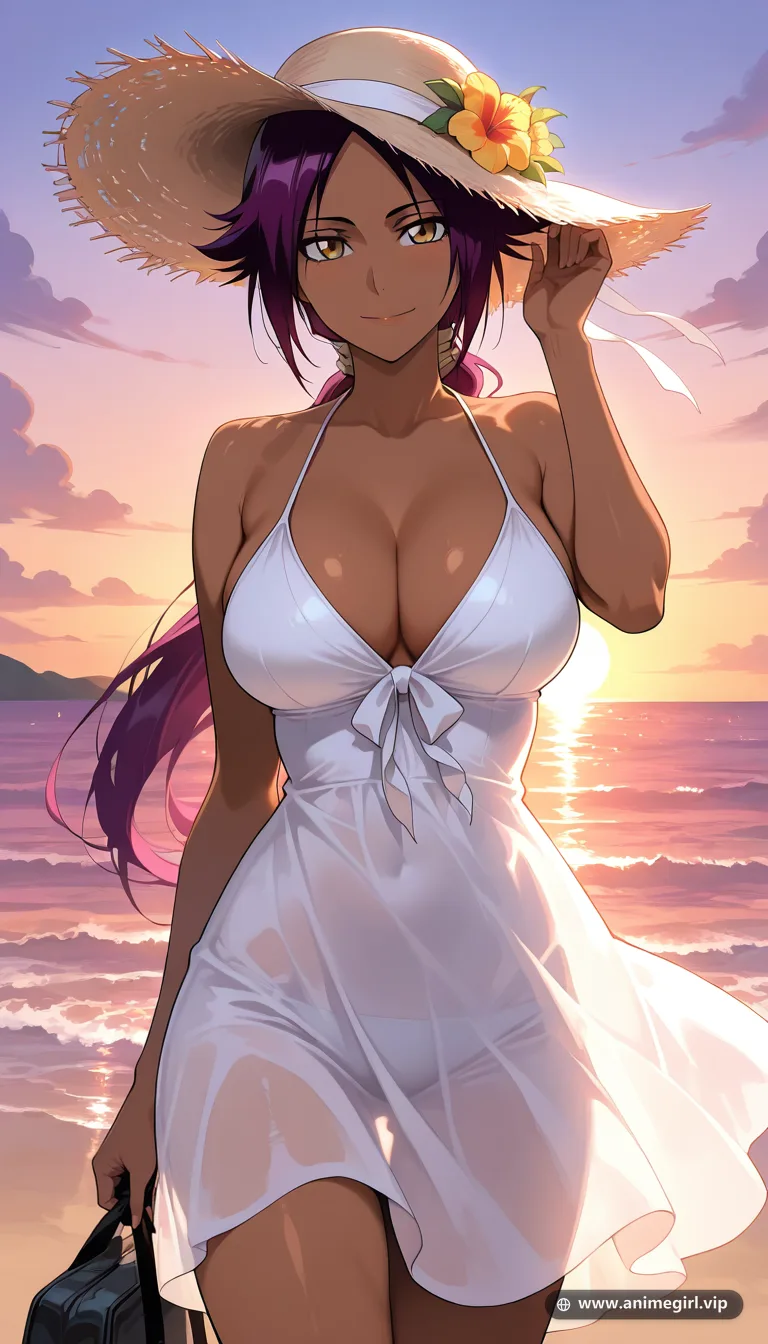
AI anime art is booming, and many people wonder how it compares to traditional digital illustration. Both have strengths, and they often work best together. Here is an honest look at the differences.
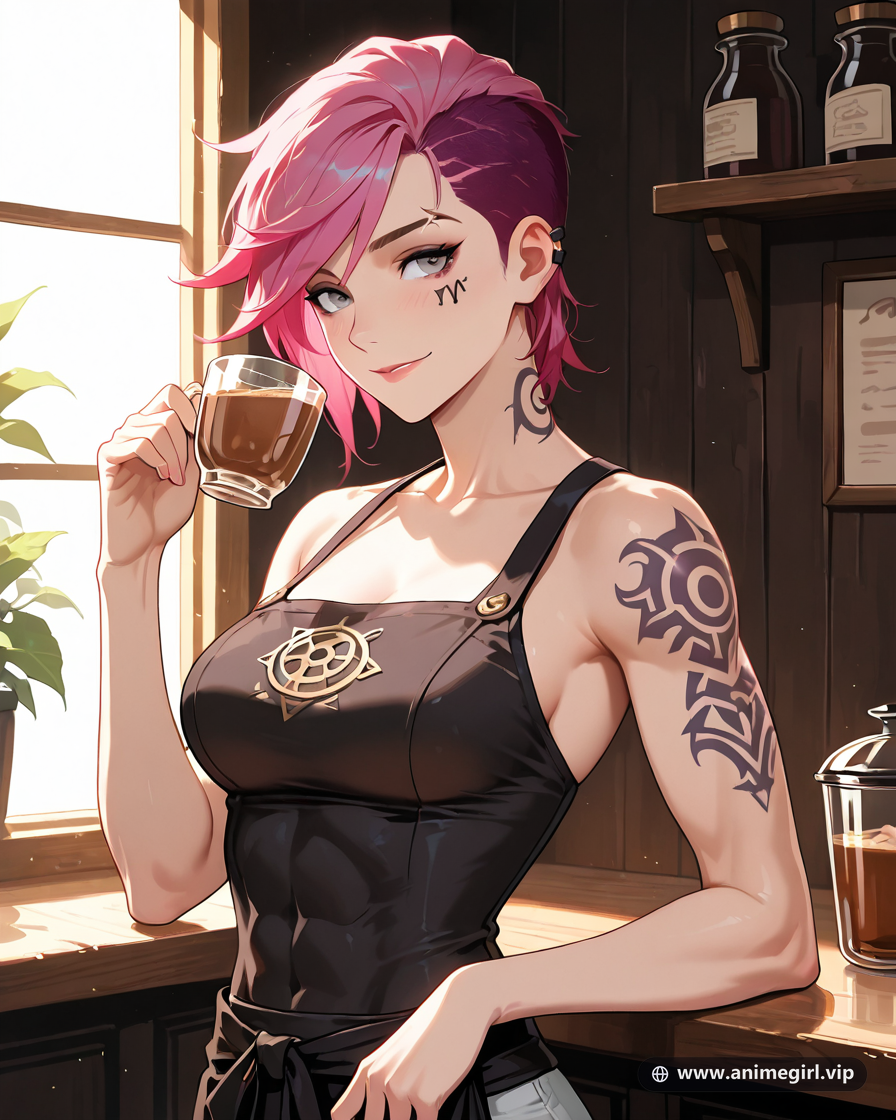
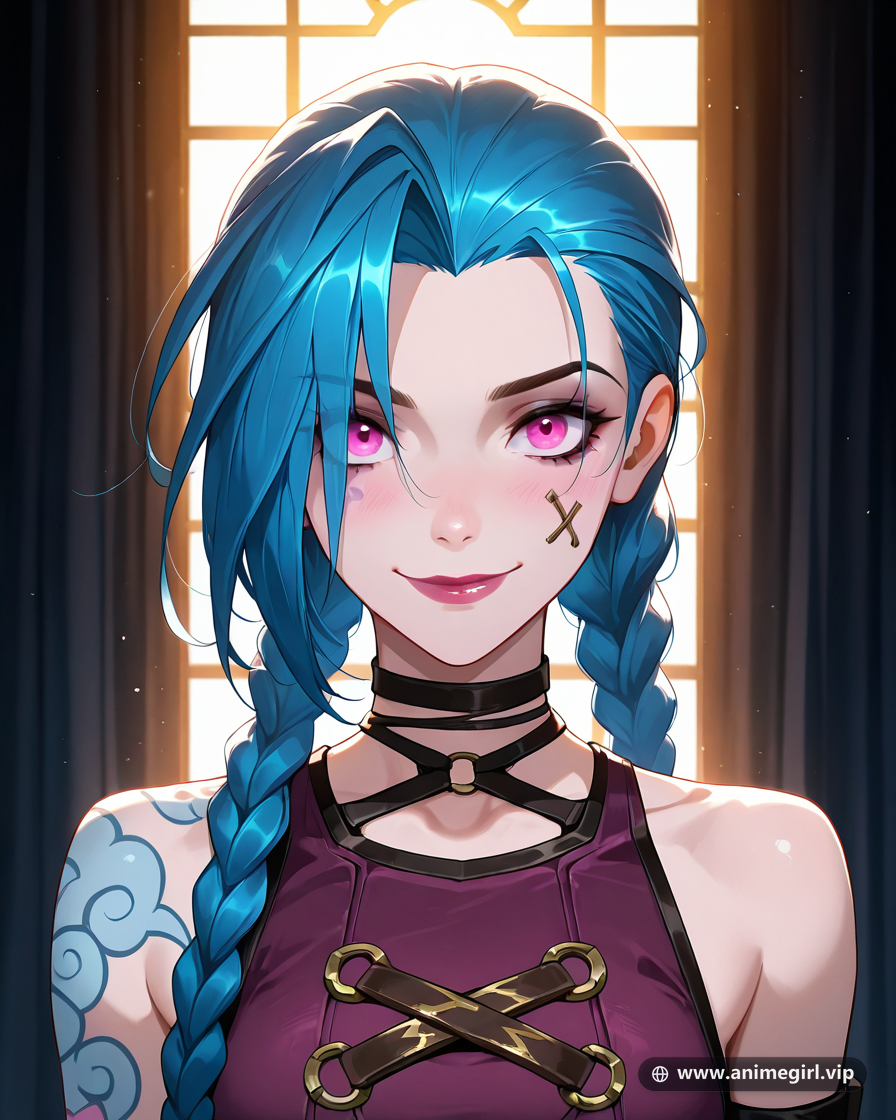
Speed and cost
A hand-drawn commission can take days and cost anywhere from tens to hundreds of dollars. An AI image takes under a minute, and many tools, including our free AI anime art generator, offer free daily images.
Control and consistency
A human artist follows exact instructions and keeps a character consistent across many images. AI gives you fast variations, but small details like fingers or logos can need a few attempts.
Originality and style
A human artist has a personal style developed over years. AI blends patterns it learned from data. Good prompts give you a very distinct result, but the process is different from drawing.
When AI is the better choice
- quick profile pictures and wallpapers
- visualizing a character idea before commissioning an artist
- moodboards and references
- personal projects with no budget
- testing many styles in minutes
When to hire an artist
- a mascot or brand character that must stay consistent
- professional print work
- comic pages and long projects
- highly specific poses and story panels
Using both
Many creators generate reference images with AI and hand them to artists, which makes briefs clearer and cheaper. Whatever you choose, respect artists and be transparent when you share AI-made images.
Create your own now
Ready to try these ideas? Open the free AI anime girl generator and create your first image in under a minute. For more inspiration browse the gallery, read our anime girl prompts page, or explore the AI waifu generator.
Prompt Engineering Architecture & Visual Token Hierarchy
When translating the concepts of AI Anime Art vs Hand-Drawn: What Is the Difference and When to Use Each into actual AI anime illustrations inside the AnimeGirl.vip Studio, token ordering determines 80% of your final image fidelity. Modern anime diffusion pipelines evaluate tokens with front-loaded attention weighting: words placed in the first 15 to 20 tokens establish the non-negotiable structural skeleton (character identity, silhouette, and camera framing), while tokens in the middle control wardrobe textures and environmental props, and trailing tokens govern color grading and atmospheric post-processing.
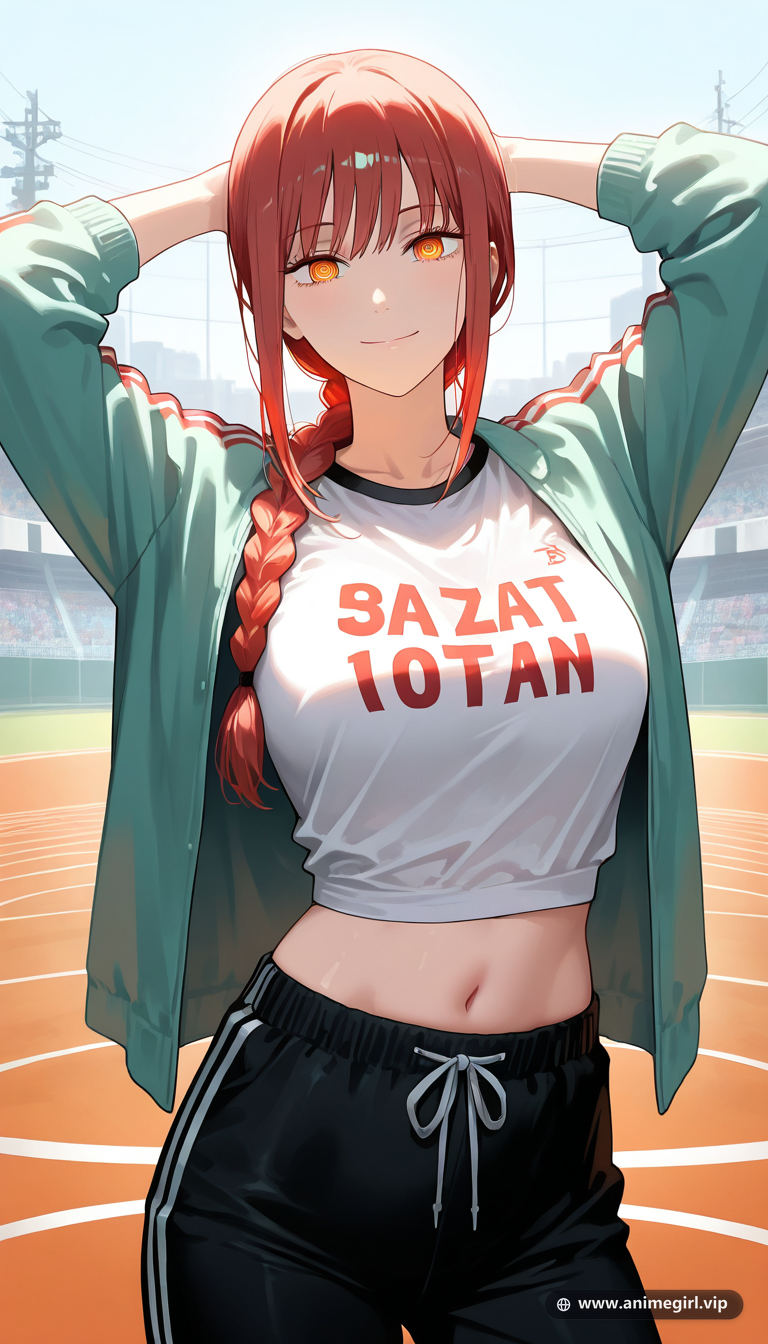
To prevent "attribute bleed"—where hair color accidentally tints the character's clothing or background—always separate your subject anchor from your environment using clear comma-delimited phrases. For example, if you are illustrating Makima from Chainsaw Man, lock in her signature traits before introducing secondary lighting colors or complex backgrounds from our #chainsaw-man gallery.
The 6-Layer Studio Prompt Blueprint
- Layer 1 — Canonical Subject Anchor: Name the character and source series explicitly, or define the archetype's core hair cut, hair color, and eye geometry (e.g., Makima from Chainsaw Man, braided auburn hair, golden ringed eyes, tailored black trench coat).
- Layer 2 — Camera Distance & Angle: Specify close-up portrait for 1:1 avatars, medium cowboy shot for outfit showcases, or full-body low-angle for vertical 9:16 mobile lockscreens.
- Layer 3 — Wardrobe & Fabric Physics: Pair garment names with material shaders such as matte wool trench coat, iridescent silk kimono, brushed silver knight armor, or ribbed knit sweater.
- Layer 4 — Pose & Hand Prop Anchor: Give the character's hands a natural focal task—holding a teacup, resting on a katana hilt, adjusting glasses, or casting a glowing spell orb—to guarantee clean five-finger anatomy.
- Layer 5 — Environment & Depth of Field: Establish foreground particles (cherry blossoms, rain droplets, embers) and a softly blurred background (cinematic bokeh, shallow depth of field) so the character pops off the canvas.
- Layer 6 — Lighting & Studio Quality Polish: Finish with two complementary light sources—such as warm golden-hour key light paired with cool cyan rim lighting—plus masterpiece anime illustration, crisp cel-shaded linework.
Copy-and-Paste Studio Prompt Formulations
Use any of the tested prompt templates below directly in our Free Anime Prompt Generator or click Generate in Studio ✦ to render your own high-resolution variation:
1. Cinematic Golden-Hour Portrait Formula
Makima from Chainsaw Man, braided auburn hair, golden ringed eyes, tailored black trench coat, medium portrait framing, gentle confident expression looking at viewer, warm golden hour sunset sunlight with soft lens flare, floating dust motes, shallow depth of field bokeh background, masterpiece anime illustration, crisp linework, high detail eyes2. Nocturnal Neon & Chiaroscuro Atmosphere
Makima from Chainsaw Man, braided auburn hair, golden ringed eyes, tailored black trench coat, standing on a rain-slicked balcony at night, dramatic cyan and magenta neon rim lighting contrasting with deep shadows, wet glass reflections, cinematic anime key visual, vibrant color grading3. Full-Scene 9:16 Vertical Wallpaper Composition
Makima from Chainsaw Man, braided auburn hair, golden ringed eyes, tailored black trench coat, full body vertical framing with generous sky negative space above head for phone lockscreen clock, sweeping atmospheric clouds and glowing particles, ultra-detailed anime wallpaper artLighting, Color Theory & Aspect Ratio Comparison
Choosing the right combination of aspect ratio and lighting palette dramatically changes how your illustration performs across social platforms, desktop setups, and mobile lockscreens:
| Use Case | Recommended Framing | Best Lighting Palette | Studio Tier Feature |
|---|---|---|---|
| Discord / TikTok / X PFP | 1:1 Square, Close-Up Face & Shoulders | High-contrast rim light + dark background | Free & Guest Tiers (Instant) |
| Character Outfit Showcase | 4:5 Portrait, Medium Cowboy Shot | Soft dual-tone studio key + fill light | Premium ($5.99) — Clean, No Watermark |
| iOS / Android Lockscreen & Reels | 9:16 Story (768×1344), Upper Sky Negative Space | OLED deep blacks + luminous particle glow | Creator ($9.99) — Exclusive 9:16 Mode |
Common Mistakes to Avoid & Pro Studio Tips
- Overloading Conflicting Style Tags: Avoid mixing 1990s retro VHS cel shading with 3D Unreal Engine render in the same prompt. Pick one unified rendering aesthetic so line weights and skin shading remain cohesive.
- Forgetting Eye Catchlights: The soul of any anime portrait lives in the iris. Adding detailed expressive eyes, crisp catchlights, subtle iris gradient immediately elevates facial appeal.
- Ignoring Background Value Contrast: If your character has dark hair (like Yor Forger or Nico Robin), add a warm golden or cyan rim light behind her silhouette so her hair doesn't merge into a dark night sky.
- Iterating Faster with Priority Queue: When refining a character concept for a light novel cover, VTuber debut, or wallpaper pack, upgrading to Premium ($5.99/mo) or Creator ($9.99/mo) unlocks 50 to 100 daily generations, Priority GPU Queue, unwatermarked master downloads, and full commercial usage rights.
The Art Direction Philosophy Behind AI Anime Art vs Hand-Drawn
When veteran animation directors, key animators (genga artists), and digital illustrators approach AI Anime Art vs Hand-Drawn, they never treat the frame as a static photograph. In Japanese visual storytelling, every square inch of the canvas participates in an emotional dialogue with the viewer. From the thickness of the outer contour linework to the subtle temperature shift between sunlit highlights and ambient shadow cores, the goal of What Is the Difference and When to Use Each is to create a sense of living presence—the feeling that the character just took a breath a split-second before the shutter clicked.
Historically, during the cel-animation era of the late 1980s and 1990s, background painters working in gouache and poster color had to rely on dramatic value contrast to separate a heroine from her environment. Today, modern digital compositing pipelines—pioneered by studios like Kyoto Animation, Ufotable, CloverWorks, Wit Studio, and MAPPA—combine multi-plane camera depth with volumetric light scattering, delicate lens bloom, and chromatic rim highlights. Yet the fundamental rule remains unchanged: silhouette clarity and eye expression govern the entire composition.

Color Psychology, Subsurface Scattering & Atmospheric Depth
Why do certain anime illustrations stop you mid-scroll while others feel flat or artificial? The secret lies in how light interacts with skin, hair, and fabric at the microscopic level—a phenomenon digital painters call subsurface scattering (SSS) and chromatic shadow transition:
- The Warm Blood-Tone Terminator Line: On porcelain or sun-kissed anime skin, the boundary where direct light meets shadow (the terminator) should never be a muddy grey line. Introducing a soft coral-pink or warm peach saturation band along cheek and collarbone shadows makes the character look warm and alive.
- Hair Translucency Against Backlight: When a character stands in front of a sunset window, neon billboard, or moonlit sky, individual flyaway hair strands and bangs become semi-translucent. Prompting for
sunlight glowing through translucent bangs, fine floating hair strands, angel-ring hair specularrecreates this signature anime artbook polish. - Environmental Color Bounce: A heroine standing in a verdant summer meadow absorbs soft emerald bounce light along the underside of her jaw and sleeves; the same heroine on a rain-slicked cyberpunk balcony absorbs magenta and cyan reflections from wet asphalt puddles below.
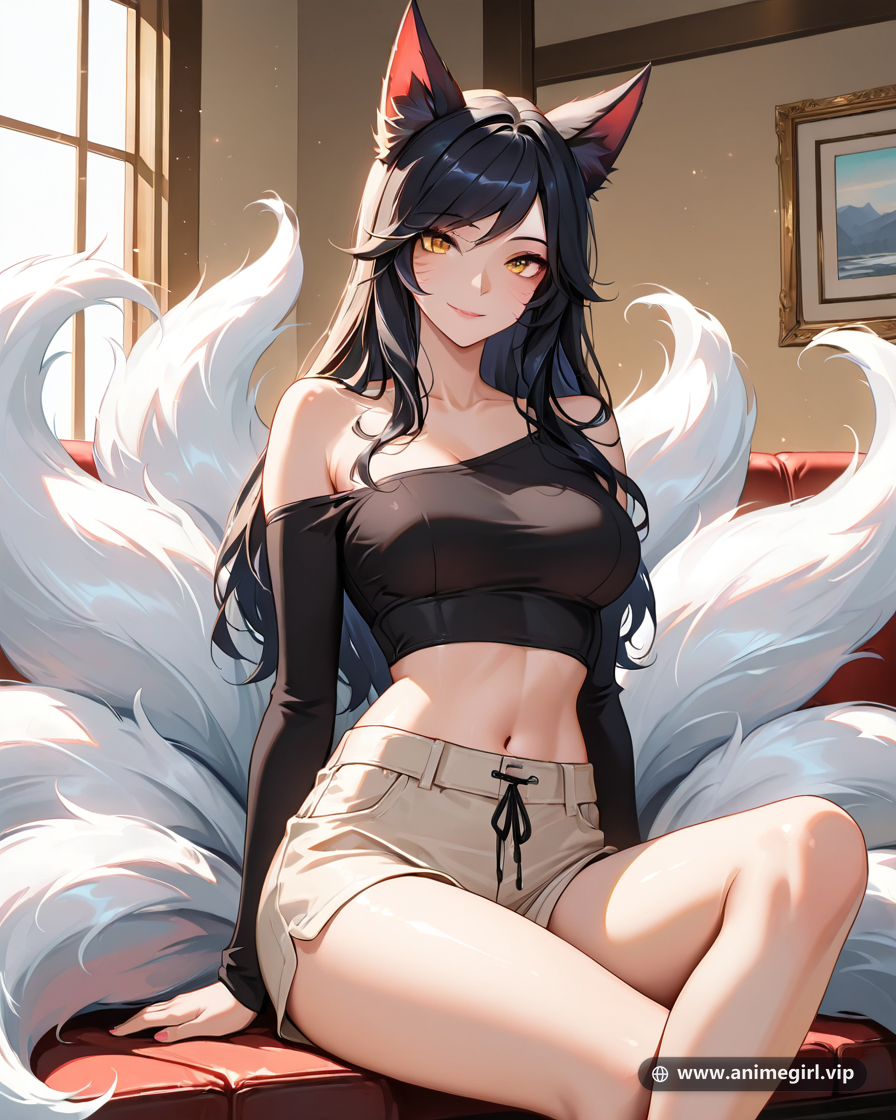
Step-by-Step Studio Director Workflow: From Concept to Master Render
To get consistent, publication-ready illustrations inspired by AI Anime Art vs Hand-Drawn: What Is the Difference and When to Use Each inside the AnimeGirl.vip Studio, follow this four-stage creative director workflow used by top community artists:
- Stage 1 — Lock the Silhouette in 4:5 Feed Mode First: Before adding complex weather particles or background architecture, test your core character identity and outfit tokens in 4:5 Portrait mode (896×1152). Verify that the hair cut, eye color, and primary garment shader read cleanly at thumbnail size.
- Stage 2 — Introduce a Narrative Prop or Hand Gesture: Static arms hanging at the sides drain energy from a portrait. Give your heroine a purposeful action—holding a steaming teacup, resting fingers on a katana hilt, adjusting half-rim spectacles, or conjuring a luminous spell orb. Not only does this tell a story, it also anchors five-finger hand anatomy.
- Stage 3 — Apply Dual-Source Studio Lighting: Pair a primary warm directional key light (golden sunset, candle lantern, or amber café bulb) with a secondary cool rim light (moonlight, cyan rain reflection, or arcane glow) to carve the silhouette out from the backdrop.
- Stage 4 — Scale Up with 4x Batch & 9:16 Story Format: Once your prompt formula is dialed in, use Creator Tier’s ($9.99/mo) 9:16 Vertical Story Format (768×1344) and 4x Batch mode to generate full-screen mobile lockscreens with clean upper-sky negative space for smartphone clock widgets and zero watermarks.
Want Unwatermarked Master Renders, 9:16 Lockscreens & Commercial Rights?
Try any prompt from this guide free in our AI Anime Studio, or upgrade to Premium ($5.99/mo — 50 daily creations) or Creator ($9.99/mo — 100 daily creations + 9:16 vertical Story mode) with Priority GPU Queue, zero watermarks, private cloud storage, and full commercial licensing.
Frequently Asked Questions
Is AI anime art real art?
It is a creative tool. The result depends heavily on the person guiding it with ideas and prompts.
Can I sell AI-generated anime art?
Rules vary by platform and country. Always check the terms of the tool you used and the platform where you sell.
Will AI replace anime artists?
AI changes workflows, but human artists remain essential for original style, story and consistency.
How can I generate anime art inspired by AI Anime Art vs Hand-Drawn: What Is the Difference and When to Use Each for free?
You can generate anime illustrations immediately on AnimeGirl.vip with zero sign-up required. Guests receive 2 free daily renders, and signing in with Google unlocks 5 free daily creations with private cloud gallery storage. Simply copy any prompt from this guide and click "Generate in Studio".
Discussion & Insights 4
What are your thoughts on AI Anime Art vs Hand-Drawn: What Is the Difference and When to Use Each? Share your perspective, theories, or favorite moments below!
Leave a Thought
Join the discussion — be respectful and enjoy the anime banter.